Dashboard drill-down navigation
Were you aware that you can access a target dashboard by simply clicking on a widget within your current dashboard?
Certain widgets offer the functionality to enable drill-down navigation to another dashboard. To activate this feature, navigate to the Customize tab of the widget. If the option is available, enable 'Redirect to dashboard' and choose your desired dashboard from the list.
After saving your settings, verify that the link operates as intended.
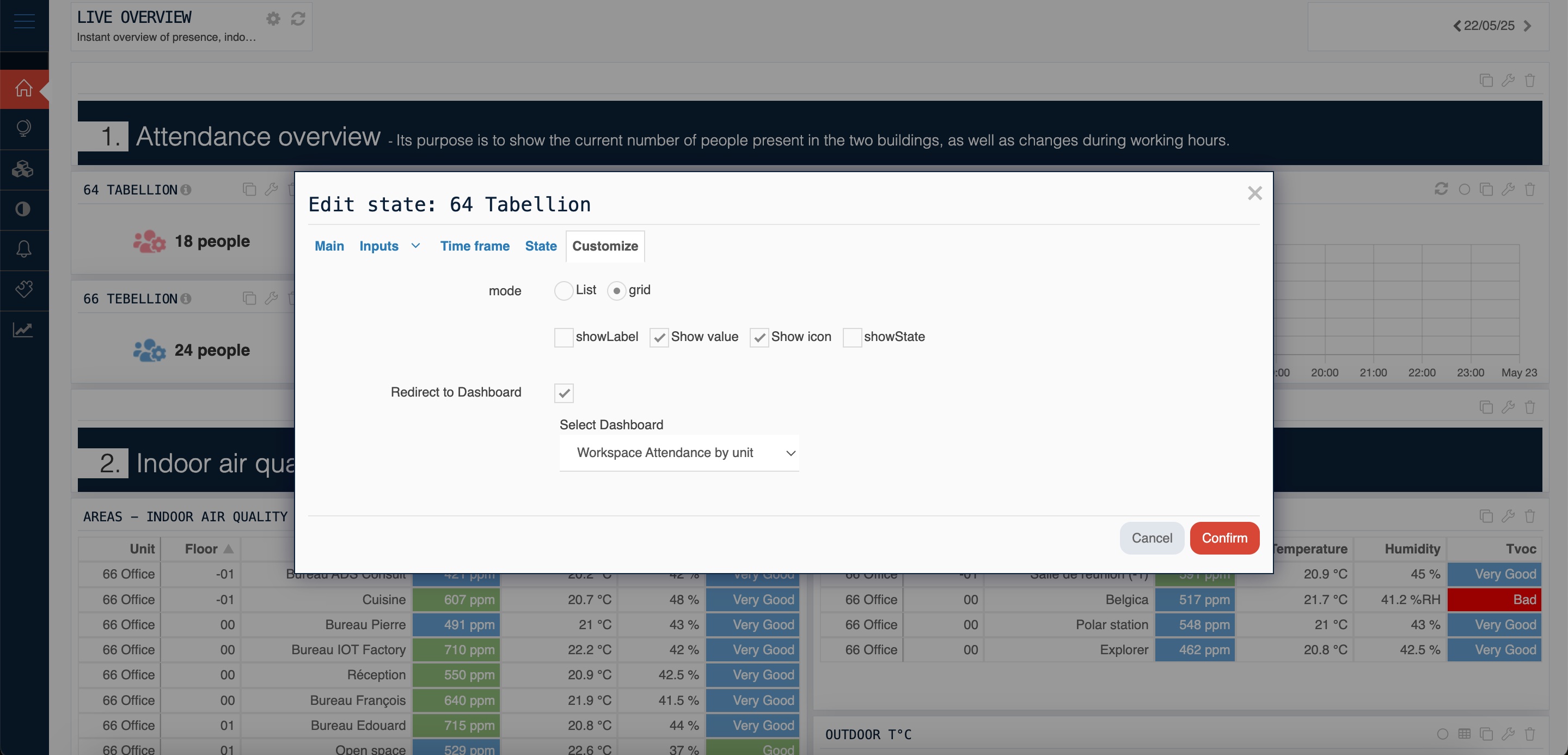
Widgets that enable 'Redirect to dashboard' are
- Table widget
- State widget
Other widgets are being improved and will offer this feature soon.
- Image
- Dynamic notes
- Button